
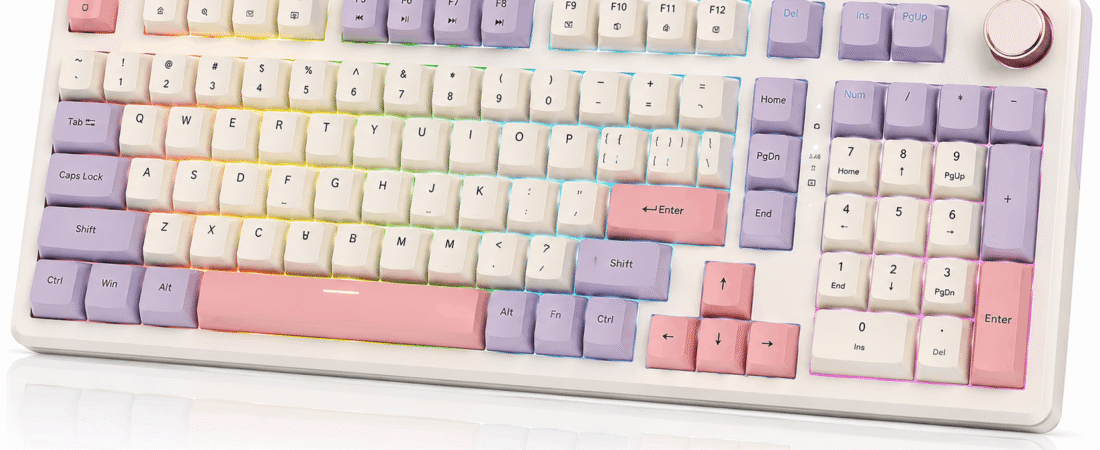
Full review: specs, switches, sound profile, build quality, software, who it’s for, and the bottom line.
Disclosure: This post contains affiliate links. If you buy through them, we may earn a small commission at no extra cost to you.
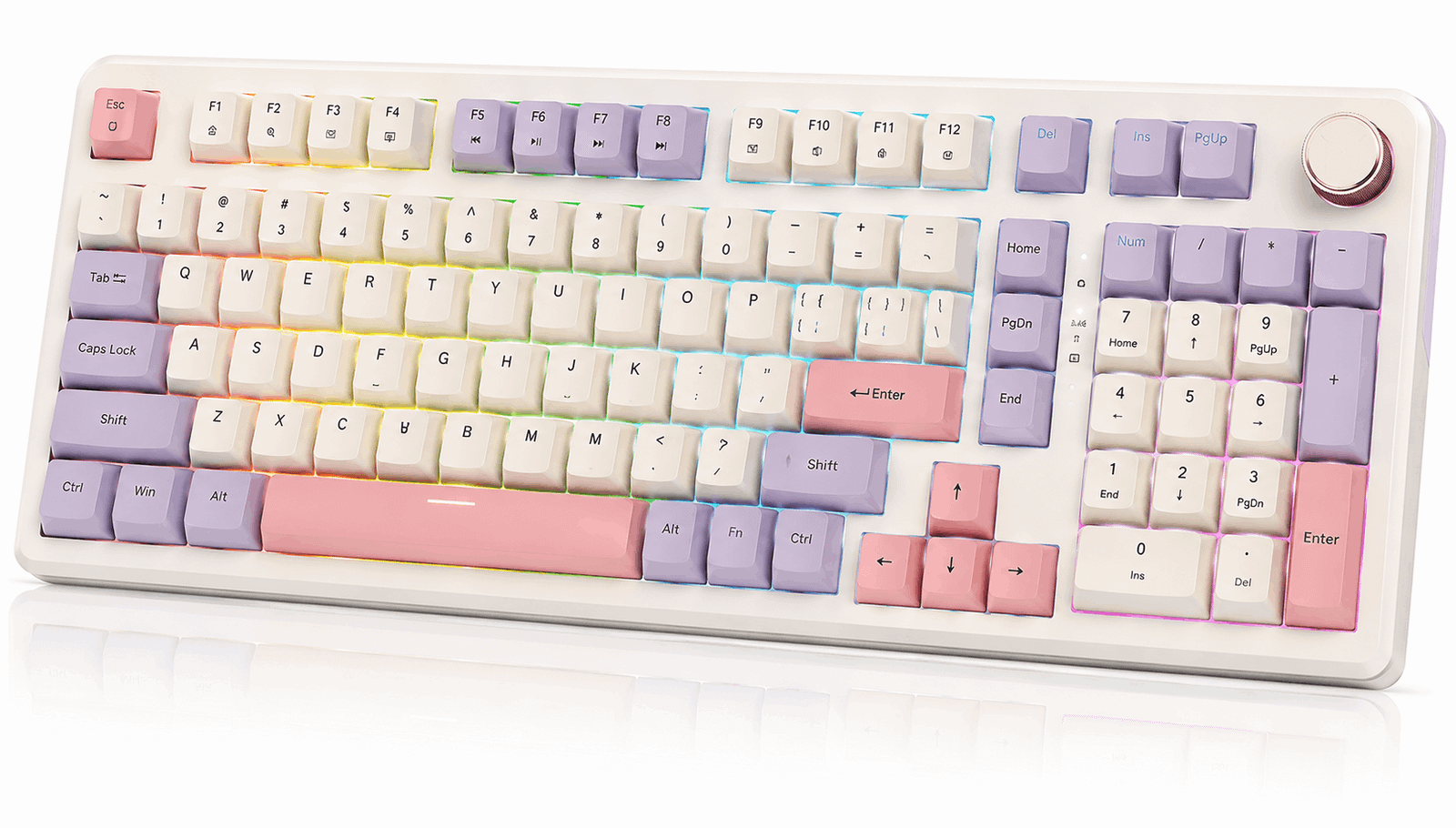
Image for illustrative purposes only. The keyboard pictured is not the Redragon K768 PRO reviewed in this article.
Redragon is one of our favorite keyboard brands, mostly because it keeps packing features into boards that most people can actually afford. The K768 PRO is a good example. It’s a 100-key wireless board with a number pad, a gasket-style mount, a stack of internal foam, hot-swap sockets, PBT keycaps, and an unusually large 8000mAh battery. Redragon trims the spacing between key clusters so the whole thing takes up roughly a fifth less desk space than a traditional full-size keyboard, without dropping any keys you’d normally use.
A quick naming note: Redragon’s own store also sells a “Screen Edition” of the K768 PRO with a small display. The Amazon listing we link to is the knob-and-battery version without a screen, which is the one reviewed here.
Specs at a Glance
Pros and Cons
⌨ Pros
- Number pad included while saving desk space
- Huge 8000mAh battery for long stretches between charges
- Foam and silicone layering at a budget price
- Eight spare switches in the box
- PBT keycaps and soft pastel and retro colorways
- Win/Mac toggle and three ways to connect
⚠ Cons
- Plastic case flexes slightly under heavy pressure
- Redragon doesn’t publish force or travel specs for its custom switches
- One independent reviewer found the stock sound sharper than advertised
- Stock switch varies by colorway, so the feel isn’t identical across versions
- Small review pool compared with older boards on this list
Soft and padded for most owners, with a slightly crisper edge than the marketing implies
Switches Used
The K768 PRO ships with Redragon’s own linear switches, and which one you get depends on the colorway: Amazon listings mention a custom “Yolk” linear, while other versions use a thick-lubed “Mint Mambo” linear. Both are smooth, bump-free linears suited to gaming and quick typing. Redragon doesn’t list actuation force or travel distance for either, which is a small transparency gap for anyone who likes to compare numbers. If the stock feel isn’t for you, the sockets take both 3-pin and 5-pin designs, and with eight spares in the box you can replace a misbehaving switch right away.
Sound Profile
Buyer feedback leans heavily positive here, with owners repeatedly describing the typing sound as soothing and satisfying. Much of that comes from the layered foam and silicone inside the case, which takes out most of the hollowness budget boards usually have. Not everyone agrees, though. A detailed independent review of the K768 platform found the stock switches sounded sharper and a bit clickier than Redragon’s marketing suggests, and noted that simple mods like extra foam or a tape mod deepened the sound noticeably. Expect a padded, pleasant board, but not a completely muted one.
Build Quality and Daily Use
At around 2.5 lb, the K768 PRO has real heft and stays planted. The case is plastic and shows a little flex if you press hard on it, though there’s no rattle. Stabilizers are serviceable without being standout. The 8000mAh battery is the big daily-use win: Redragon frames runtime in days between charges instead of hours, and with lighting dimmed you’ll plug it in far less often than most wireless keyboards. Switching between devices doesn’t require re-pairing, and the knob makes quick work of volume and brightness.
Software and Compatibility
Lighting and media basics work from the keyboard without installing anything. Redragon’s downloadable software adds custom lighting effects, macros, and key remapping. A dedicated Win/Mac switch flips the modifier layout so the board behaves properly on either system, and it works with PCs, laptops, and tablets over any of its three connection modes. There’s no VIA or QMK support.
Who It’s For
Who It’s For
People who want a number pad, long wireless battery life, and a soft, padded typing feel from a trusted budget brand, especially anyone tired of charging their keyboard every few days.
Who Should Skip It
Anyone who wants a premium metal case, published switch specs, or VIA/QMK customization, and people who need a near-silent board straight out of the box.
What the Reviews Say
For this review, we compared Redragon’s official specifications with several retailer listings, read buyer feedback across multiple storefronts, and looked at an independent hands-on review of the K768 platform. A 4.9-star average is excellent, but with roughly 90 ratings on this listing, it’s best read as a strong early signal; the same board shows similarly high marks on other storefronts with a few hundred ratings.
Owners most often praise the sound, the bright RGB, the solid weight, and the colorways, with pastel and retro options mentioned again and again. Hot-swap support gets credit from buyers planning to try other switches. The negatives are few: one buyer expected a different stock switch and liked the default less, and the independent reviewer flagged slight case flex and a sharper-than-advertised sound while still rating it highly for value.
Value for the Price
In the $65 to $85 range, the K768 PRO is one of the most feature-dense boards on this list. A number pad, layered dampening, PBT keycaps, eight spare switches, and an 8000mAh battery rarely show up together at this price. If a third-party seller is charging over $100, wait for a listing closer to Redragon’s own pricing.
The K768 PRO is Redragon doing what it does best: giving you more keyboard than the price suggests. If you want a number pad, a padded typing feel, and a battery that lasts, it’s an easy recommendation from one of our favorite brands.
90+ reviews · 4.9 stars