
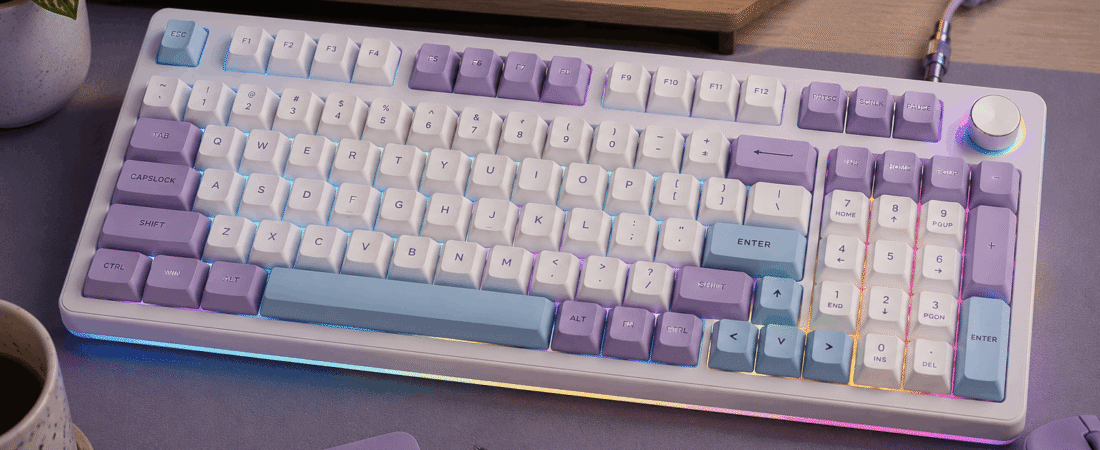
Full review: specs, key feel, sound profile, build quality, software, who it’s for, and the bottom line.
Disclosure: This post contains affiliate links. If you buy through them, we may earn a small commission at no extra cost to you.
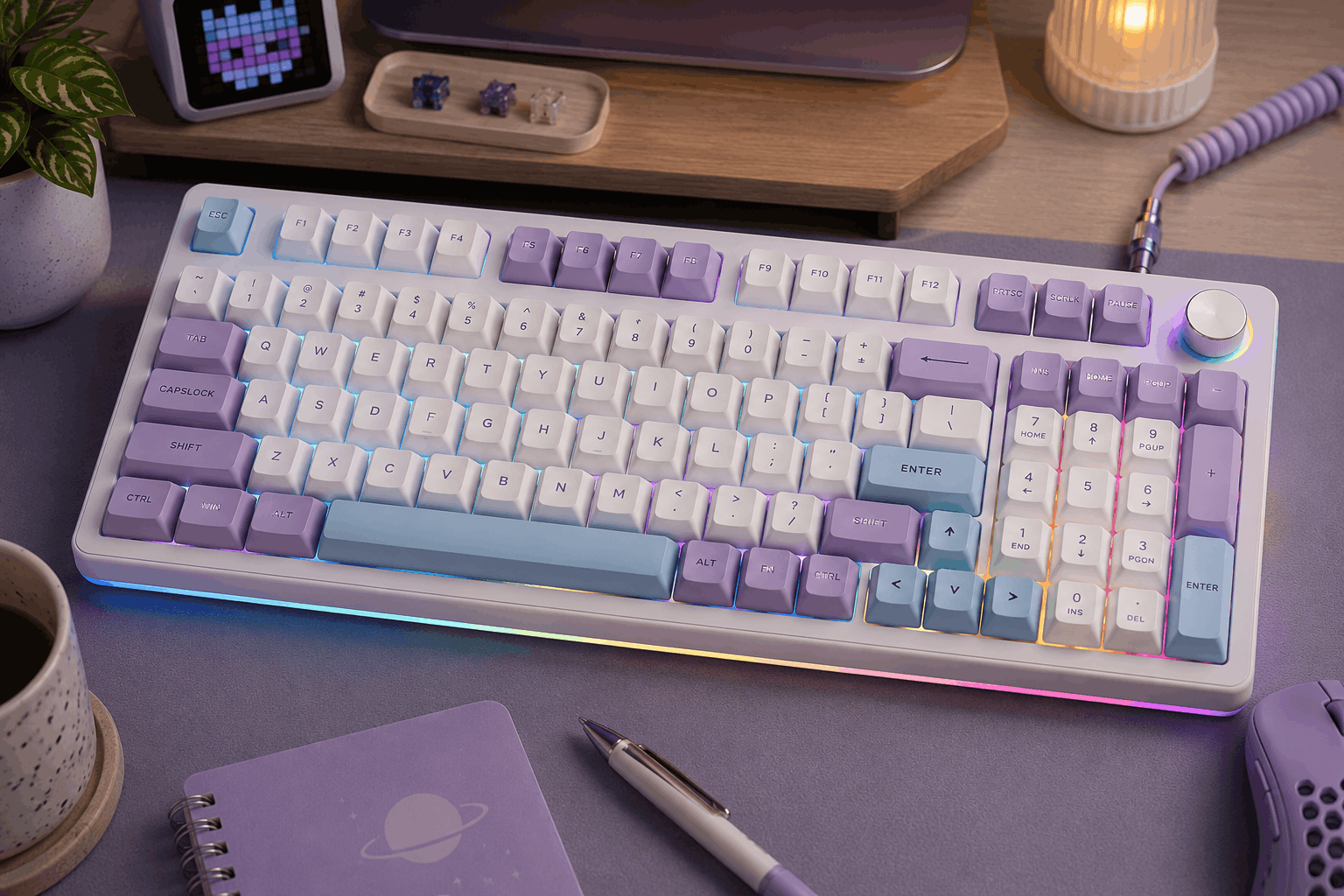
Image for illustrative purposes only. The keyboard pictured is not the Aula S99 Pro V2 reviewed in this article.
The AULA S99 Pro V2 is a budget wireless keyboard that borrows the look of an enthusiast board (chunky rounded keycaps, a media knob, a small status screen, and playful two-tone colorways) but uses a silent membrane design underneath instead of mechanical switches. It squeezes a full number pad into a 96% layout, connects over USB-C, 2.4GHz, or Bluetooth, and is built for people who want a “creamy,” good-looking desk setup that stays quiet enough for an office, a dorm, or late-night gaming next to a sleeping partner.
One thing worth being upfront about: despite “Gaming Keyboard” in the name, this is a membrane board. That’s not a knock on it (it’s the reason it’s so quiet and so affordable), but it changes who it’s right for, which we cover below.
Specs at a Glance
Pros and Cons
⌨ Pros
- Genuinely quiet, soft keypresses that won’t bother roommates or coworkers
- Full number pad in a space-saving 96% footprint
- Tri-mode wireless (Bluetooth, 2.4GHz, USB-C) with on-the-fly switching
- Knob, mute key, and battery-reading screen at a budget price
- Every key supports macro programming
- Eye-catching colorways that suit “cozy” and aesthetic desk setups
⚠ Cons
- Membrane, not mechanical, so no hot-swap and no switch upgrades later
- FN + top-row connection shortcuts are easy to bump mid-game, dropping the connection
- Compact 96% spacing feels slightly cramped for larger hands
- 2000mAh battery is smaller than many mechanical rivals at similar prices
- Review pool is still small, so long-term durability is less proven
Soft, cushioned and quiet, a “creamy” feel without mechanical clack
Switches Used
The S99 Pro V2 doesn’t use individual mechanical switches at all. It uses a silent membrane design, where each key presses down onto a rubber-dome sheet, with layers of padding inside the case to absorb noise and soften bottom-out. AULA’s own listings confirm the board is membrane and not hot-swappable, so the feel you get out of the box is the feel you keep. The upside is a soft, cushioned press with very little rattle; the trade-off is that you lose the crisp actuation, switch variety, and long-term moddability that a hot-swap mechanical board like AULA’s own F-series offers. If you know you want to experiment with switches, this isn’t the board for that.
Sound Profile
This is where the V2 earns its “silent” label. Buyers consistently describe the sound as soft and pleasant rather than sharp, with one reviewer saying it changed their mind about keyboards being too loud. Some people still hear a light, satisfying “pop” on each press (a few describe it as ASMR-like), but there’s no metallic ping or high-pitched clack. In practice, it’s one of the safest picks on this list for shared offices, open workspaces, video calls, or gaming late at night.
Build Quality and Daily Use
At around 2.3 lb, the board has enough heft that it doesn’t slide around, yet buyers note it’s still light enough to toss into a travel bag. The three height settings (flat plus two kickstand levels) make it easy to find a comfortable wrist angle for long sessions. The small screen is more practical than it looks: its most useful job is showing your battery percentage, which takes the guesswork out of when to charge a wireless board. The knob handles volume or backlight brightness, and the dedicated mute button gets frequent praise for quick call muting.
Software and Compatibility
Every key supports macro recording and editing, and AULA’s S99-series listings note that macros can be recorded directly on the keyboard without installing a driver, which is handy on work computers where you can’t install software. Lighting is adjustable through the knob and FN shortcuts. Like the rest of AULA’s budget lineup, it does not support QMK or VIA, so deep remapping and layer customization are limited compared to enthusiast boards. It works across Windows, macOS, Android, and iOS, with console compatibility listed for Xbox and PlayStation.
Who It’s For
Who It’s For
Students, remote workers, and casual gamers who want a quiet, colorful wireless keyboard with a number pad, a knob, and a cozy “creamy” feel, without paying mechanical-keyboard prices.
Who Should Skip It
Competitive gamers and hobbyists who want mechanical switches, hot-swap sockets, or QMK/VIA customization, plus heavy-handed players who might trigger the FN connection shortcuts by accident.
What the Reviews Say
We evaluated the S99 Pro V2 by comparing AULA’s published specifications across multiple retailer listings and reading through verified buyer reviews, looking for patterns rather than one-off opinions. With only around ten-plus reviews so far, the 5.0-star rating is encouraging but should be read as an early signal rather than a long-term verdict.
The praise is consistent: buyers love how soft and quiet the keys feel, call it comfortable for long typing sessions, and frequently mention the colorways, customizable backlighting, and the battery-percentage screen. One reviewer who tested it for a month said it fully replaced their previous keyboard and fit easily into a travel bag. The criticisms are just as consistent, and worth knowing before you buy. A parent who tested it with a teenage gamer reported that the FN-based connection shortcuts sit close enough to the main keys that an enthusiastic player can accidentally switch pairing modes and disconnect mid-game. Another buyer found the 96% key spacing a bit tight for their hands. Neither is a dealbreaker for most people, but both matter if you game hard or have larger hands.
Value for the Price
Near the lower end of its price range, the S99 Pro V2 is a strong value for anyone who prioritizes quiet typing, aesthetics, and a full number pad over mechanical feel. You get tri-mode wireless, a knob, a status screen, and macro support, features that usually cost more. Closer to the $90 to $100 range, though, it runs into hot-swappable mechanical boards (including AULA’s own F-series) that offer more long-term flexibility, so it’s worth waiting for a sale if you’re on the fence.
If you want a keyboard that looks like a cute custom build, types quietly enough for a shared room, and keeps a number pad without eating your whole desk, the S99 Pro V2 is an easy recommendation. Just go in knowing it’s a membrane board: it won’t satisfy switch enthusiasts, but for comfortable, quiet, everyday typing and casual gaming, it delivers.
10+ reviews · 5.0 stars