
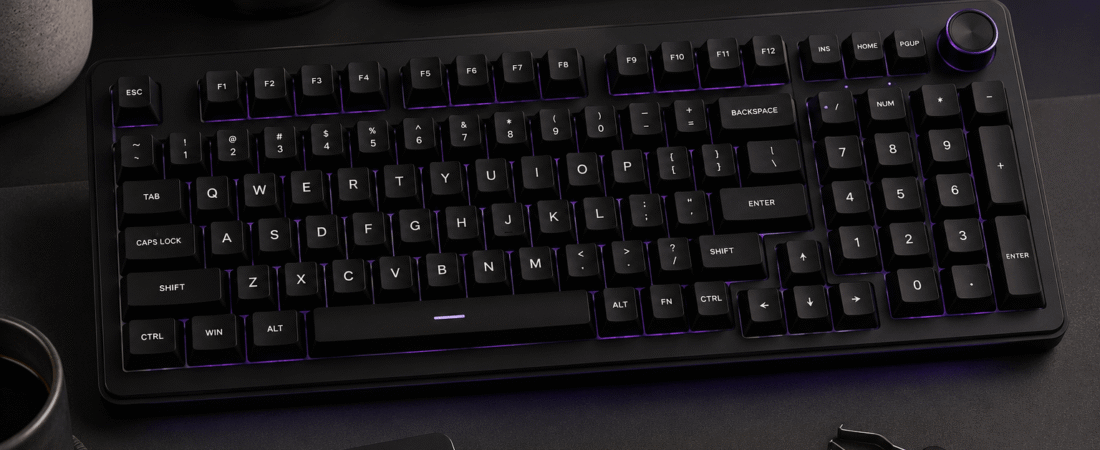
Full review: specs, switches, sound profile, build quality, software, who it’s for, and the bottom line.
Disclosure: This post contains affiliate links. If you buy through them, we may earn a small commission at no extra cost to you.
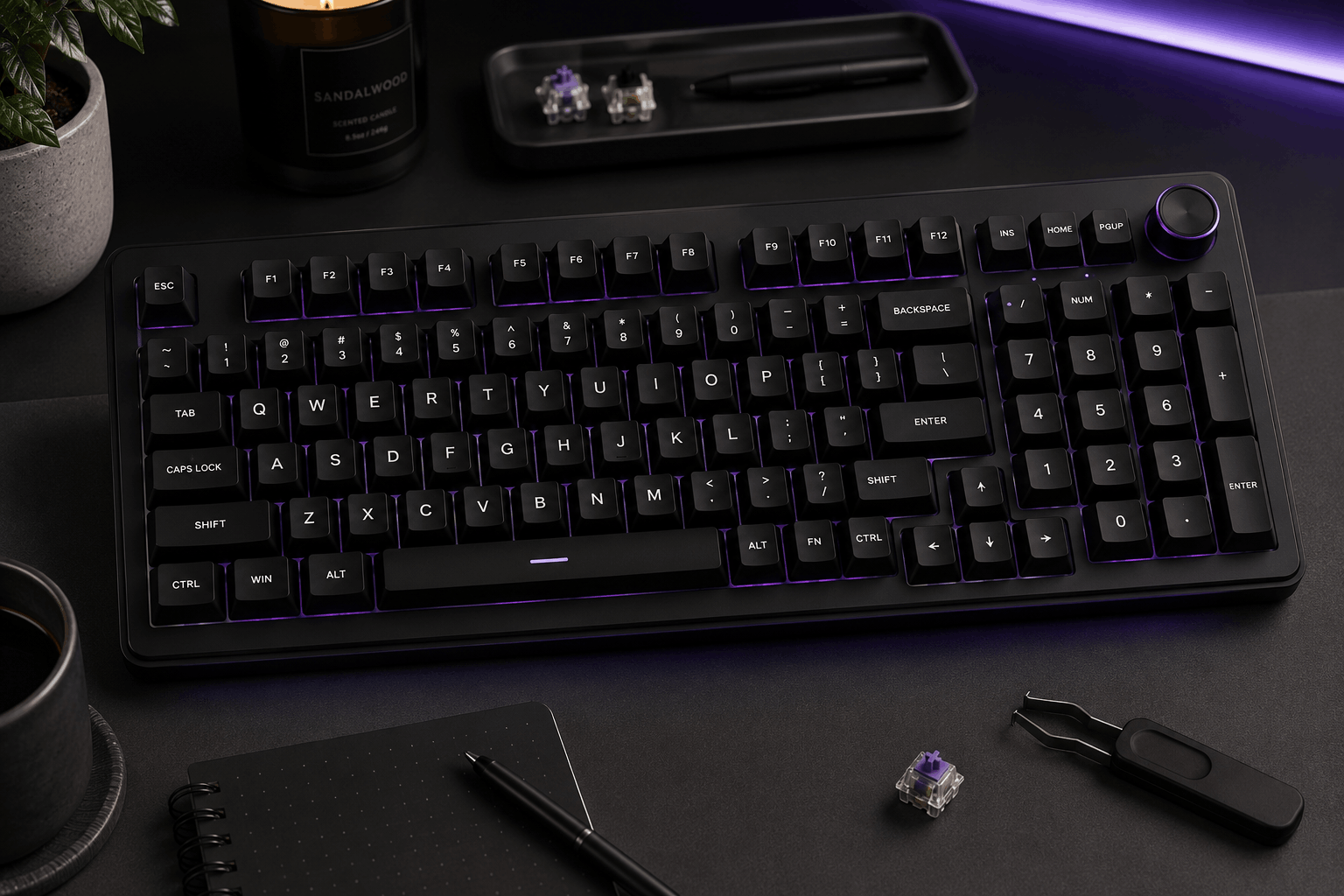
Image for illustrative purposes only. The keyboard pictured is not the AULA F75 Pro reviewed in this article.
The AULA F75 Pro is the dressed-up version of AULA’s best-selling F75. It keeps the same compact 75% layout, gasket-mounted build, tri-mode wireless, and hot-swap sockets, then adds a few upgrades that change how it looks and feels on the desk: side-printed PBT keycaps that leave the key tops clean, a metal control knob, south-facing RGB, and a wider range of stock switch and colorway combinations. It’s aimed at buyers who already like the idea of an F75 but want something that looks a little more custom straight out of the box.
Specs at a Glance
Pros and Cons
⌨ Pros
- Side-printed PBT keycaps give a clean, minimal look that resists shine
- Gasket mount and five layers of dampening produce a full, padded sound
- Metal multifunction knob for volume and lighting
- Tri-mode wireless with a large 4000mAh battery
- Hot-swappable, with spare switches and a dust cover included
- Lots of switch and colorway combinations to choose from
⚠ Cons
- Costs more than the standard F75 for mostly cosmetic upgrades
- Side-printed legends are harder to read in low light without RGB
- Some buyers find it louder than “quiet” marketing suggests
- At least one independent reviewer hit out-of-box quality control problems
- Software covers basics only; no QMK or VIA
Fuller and deeper than the base F75, leaning toward a padded “thock”
Switches Used
Like the original, the F75 Pro uses pre-lubed linear switches on 3-pin/5-pin hot-swap sockets, so there’s no tactile bump and you can replace any switch without soldering. Where the Pro differs is choice: AULA sells it in many switch-and-color combinations, including LEOBOG Reaper, Graywood V3, Star-series, and silent options, so the exact feel depends on the variant you pick. Reaper is the most common stock option and the one most reviews are based on. Two spare switches are included, which is handy if one ever develops chatter.
Sound Profile
The gasket mount and layered padding (IXPE, Poron, and silicone among them) give the F75 Pro a rounder, fuller sound than most budget 75% boards. Reviewers using the Reaper variant describe it as more “thocky” than creamy, with a satisfying depth to each keystroke. One independent reviewer specifically pushed back on calling it quiet, so if you’re after a near-silent board for a shared space, look for one of the silent switch variants rather than the default linear.
Build Quality and Daily Use
The case is plastic, but owners describe it as sturdy, with no creaking and a reassuring weight that keeps it planted. The knob is metal, adding a premium touch to the top-right corner. The 4000mAh battery is generous for a 75% board; expect roughly a week of use with lighting on, and much longer with it off. It’s worth knowing that one in-depth independent review ran into double-typing, a sticky space bar, and keycaps rubbing on a brand-new unit. That doesn’t appear to be the typical experience, but it’s a good reason to test every key right away while you’re still inside the return window.
Software and Compatibility
Lighting, including south-facing RGB with a range of static and dynamic effects, can be adjusted from the keyboard and the knob without installing anything. AULA’s downloadable software adds macro creation and fuller lighting control, and reviewers describe it as adequate rather than impressive. There’s no QMK or VIA support. The board works across Windows, macOS, Android, and iOS, and switching between Bluetooth, 2.4GHz, and wired is quick once you know the shortcuts.
F75 vs. F75 Pro: Which Should You Buy?
Both share the same layout, gasket structure, tri-mode wireless, hot-swap sockets, and battery capacity, so typing performance is broadly similar. The Pro’s advantages are mostly about presentation and extras: side-printed PBT keycaps, a metal knob, south-facing RGB, more switch choices, and a few bonus items in the box. If you want the cleanest-looking board out of the box and don’t plan to buy aftermarket keycaps, the Pro is worth the premium. If you mainly care about typing feel and wireless convenience, or plan to swap keycaps anyway, the standard F75 delivers most of the same experience for less.
Who It’s For
Who It’s For
Buyers who want a compact wireless mechanical board with a deeper sound and a clean, custom look straight out of the box, without stepping up to enthusiast pricing.
Who Should Skip It
Anyone who needs a number pad, wants firmware-level customization, needs a very quiet board without choosing a silent variant, or would rather save money with the standard F75.
What the Reviews Say
To evaluate the F75 Pro, we compared AULA’s official specifications with retailer listings and looked at independent reviews and buyer feedback, focusing on patterns rather than single opinions.
Owners most often praise the solid build, the deep, satisfying sound of the stock linear switches, and how good the side-printed keycaps look with the RGB on. Reliable wireless, easy pairing, and battery life also come up frequently. The common criticisms are that it’s louder than some expected and that the compact 75% layout takes adjustment for people coming from a full-size board. The most serious complaint came from one detailed independent review, which reported misfiring keys and keycap clipping on a fresh unit. Because that kind of issue isn’t widely reported, we treat it as a quality-control risk to be aware of rather than a design flaw.
Value for the Price
When it’s near the $70 mark, the F75 Pro is a strong value: you get gasket mounting, tri-mode wireless, a big battery, hot-swap sockets, and a premium-looking keycap set in one package. Closer to $100, it’s competing with boards that offer aluminum cases or better software, so the decision comes down to how much you value the F75 Pro’s look and switch options over the standard F75’s lower price.
The F75 Pro takes everything people like about the F75 and makes it look and sound a bit more premium. If you want a wireless 75% board that feels custom out of the box, it’s an easy pick, as long as you check your unit carefully when it arrives.
Rank #6 · 1,600+ reviews · 4.6 stars