
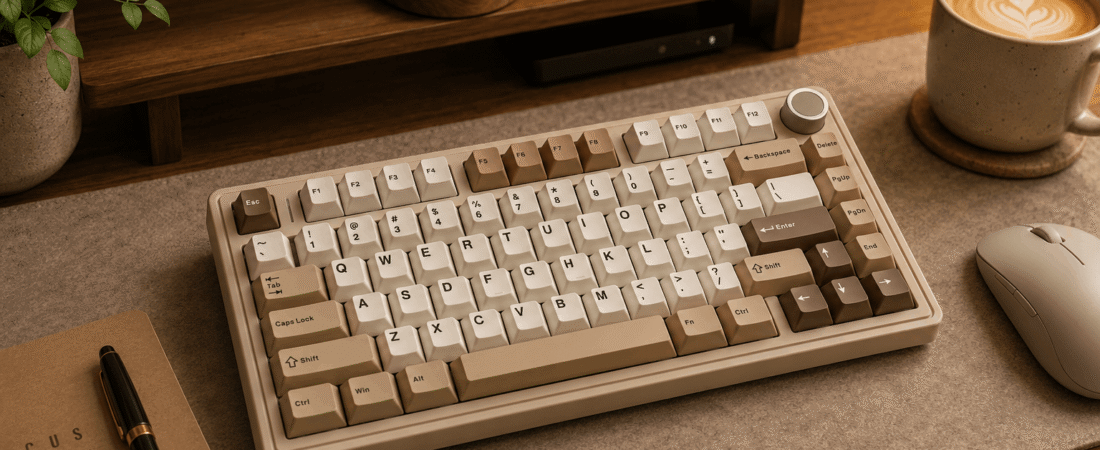
Full review: specs, switches, sound profile, build quality, software, who it’s for, and the bottom line.
Disclosure: This post contains affiliate links. If you buy through them, we may earn a small commission at no extra cost to you.
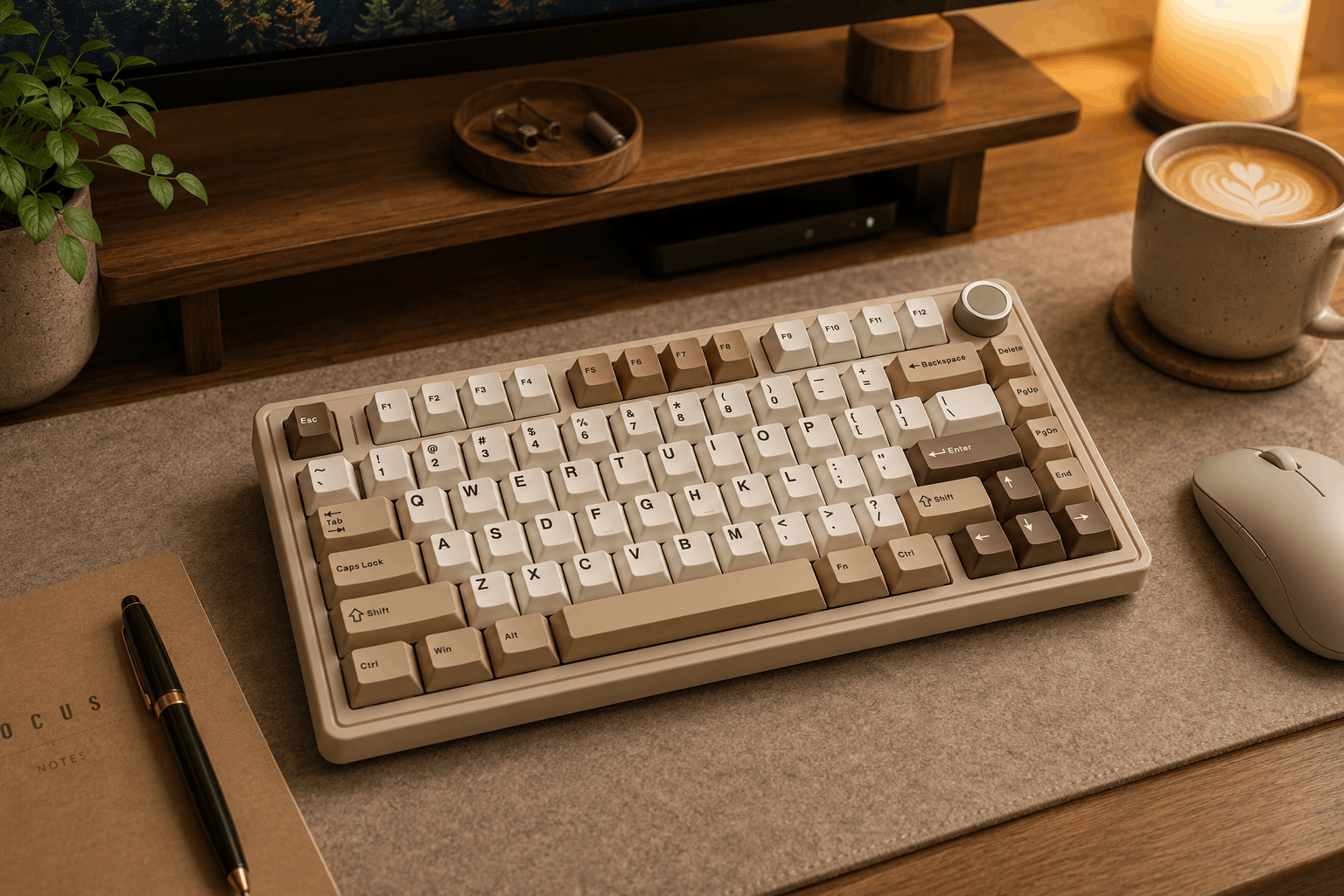
Image for illustrative purposes only. The keyboard pictured is not the AULA F75 reviewed in this article.
The AULA F75 is a budget-friendly 75% wireless mechanical keyboard aimed at people making the jump from a membrane board to their first “real” mechanical keyboard. It packs a compact 80/81-key layout (full function row and arrows, no numpad) into a body with fold-out feet, a media knob, and support for wired, 2.4GHz, or Bluetooth connections switchable on the fly.
Specs at a Glance
Pros and Cons
⌨ Pros
- Hot-swappable sockets mean you’re not stuck with the stock switches
- Tri-mode wireless (Bluetooth, 2.4GHz, USB-C) with quick device switching
- Knob handles both lighting and volume depending on mode
- Genuinely good value for a first mechanical keyboard
⚠ Cons
- Companion software is basic compared to enthusiast boards
- Keycap and switch quality varies a bit by colorway/variant
- Delete key placement takes some relearning
Smooth and rounded, closer to “quiet-creamy” than deep thock
Switches Used
The F75 ships hot-swappable, so the exact stock switch depends on which listing/colorway you buy. Most variants come with a factory-lubed linear switch pitched as a smoother, quieter alternative to a standard Cherry MX Red, while other color options swap in Leobog-style linear switches. Because the board uses a standard 3-pin/5-pin hot-swap socket, you can pull the stock switches and drop in almost any mechanical switch on the market without soldering.
Sound Profile
Reviewers describe the out-of-box sound as smooth and quiet rather than deep and bassy. It leans toward the “creamy” side of the spectrum more than the “thocky” side, especially with the factory lube doing its job on the stock linear switches. It’s not a loud board, which makes it a safe pick for shared offices or roommates.
Software and Compatibility
AULA’s own driver software (Windows only) handles macros, RGB effects, key remapping, and profile storage. It’s not QMK or VIA, but it covers the basics without a steep learning curve.
Who It’s For
Who It’s For
First-time mechanical keyboard buyers who want tri-mode wireless and hot-swap switches without spending enthusiast money.
Who Should Skip It
Anyone who wants QMK/VIA-level firmware customization or a numpad, since the 75% layout skips both.
What the Reviews Say
Independent reviewers have been fairly consistent: Parkablogs called the typing experience with the linear switch genuinely excellent for the price, and a UK reviewer scored it 4.4 out of 5 across dozens of verified buyers, specifically praising the hot-swap sockets and tri-mode connectivity as rare features at this price point. The most common critique across reviews is that the bundled software and default keycap set feel a step behind the hardware itself, and a couple of reviewers noted it takes a session or two to adjust to where the Delete key sits.
Value for the Price
At the lower end of its price range, the F75 is one of the better dollar-for-dollar entries on this list for the hardware you get. At the higher end (closer to $90), it starts competing with boards that include better stock keycaps out of the box.
If you want to see what a hot-swappable, wireless mechanical keyboard feels like without committing to enthusiast pricing, the F75 is a sensible place to start. It won’t out-thock a gasket-mounted custom build, but for the price, the typing feel and connectivity punch well above their weight.
Rank #1 · 2,300+ reviews · 4.7 stars