
Full review: specs, switches, sound profile, build quality, software, who it’s for, and the bottom line.
Disclosure: This post contains affiliate links. If you buy through them, we may earn a small commission at no extra cost to you.
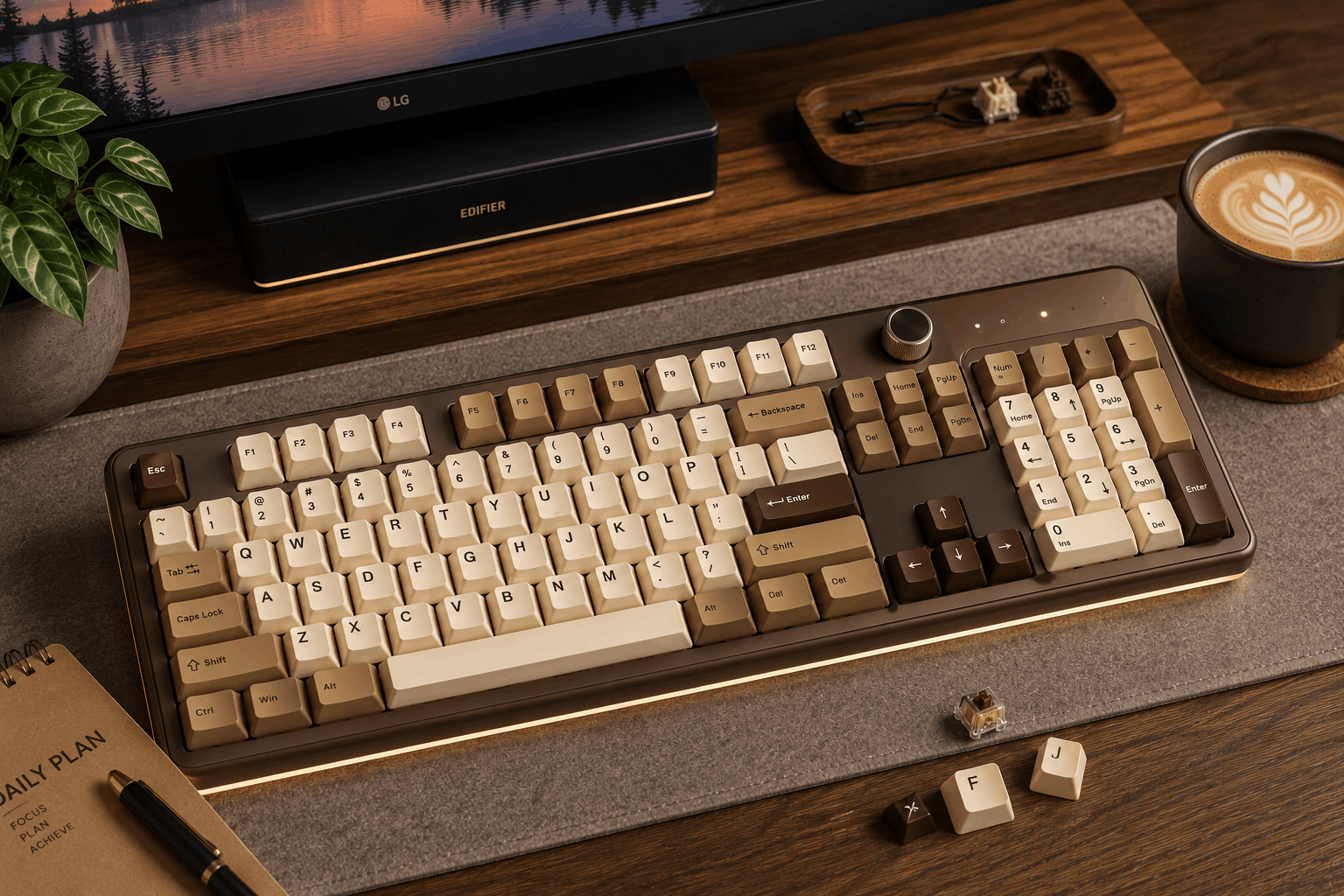
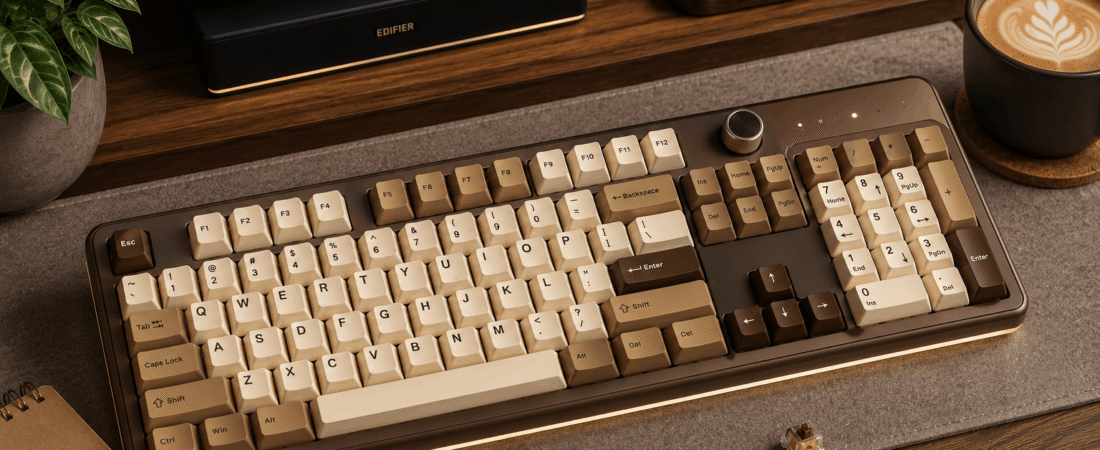
Image for illustrative purposes only. The keyboard pictured is not the SOLAKAKA A99 Pro reviewed in this article.
The SOLAKAKA A99 Pro is a 96%-layout wireless mechanical keyboard built around a small LCD display and a multi-function metal knob, on top of the tri-mode connectivity and hot-swap switches that have become standard in this price bracket. It’s aimed at people who want a keyboard that feels a little more “custom PC build” than a plain office board.
Specs at a Glance
Pros and Cons
⌨ Pros
- LCD screen shows time, battery, connection mode and even custom GIFs
- Metal knob doubles as a volume and lighting control
- Five-layer gasket structure with noise-dampening cotton for a quieter, cushioned feel
- Connects to up to 5 devices and swaps between them quickly
⚠ Cons
- Screen and knob add complexity that some buyers say takes time to configure
- Driver software is required for deeper customization (GIFs, macros)
- As with most budget hot-swap boards, stock keycaps are the first thing enthusiasts tend to replace
Creamy and soft, described by owners as “buttery”
Switches Used
It comes with pre-lubricated LEOBOG-branded linear switches (marketed as “Star Vector”) straight from the factory, and the board is fully hot-swappable via 3-pin/5-pin sockets, with a keycap/switch puller included in the box. That means the stock switch is a reasonable starting point, but swapping to a different linear, tactile, or clicky switch later doesn’t require any soldering.
Sound Profile
SOLAKAKA leans hard into the gasket structure here: five layers of cushioning pads plus noise-dampening cotton packed between the plate and the case, specifically to cut down on the hollow “ping” that budget boards are prone to. Owner reviews consistently use words like “buttery” and “creamy, thocky perfection” to describe the stock sound, and several mention it holds up well even after being used for both gaming and everyday typing.
Software and Compatibility
SOLAKAKA’s driver software runs on Windows in wired mode only, and handles key mapping, macros, sleep timing, and the LCD’s custom GIF uploads.
Who It’s For
Who It’s For
Buyers who want the LCD-and-knob gadget factor alongside a genuinely creamy stock switch, and don’t mind a Windows-only software limitation.
Who Should Skip It
Mac-primary users who want full driver access, since GIF uploads and deeper customization require the wired Windows driver.
What the Reviews Say
Feedback from verified buyers on Amazon and TikTok Shop is largely enthusiastic, with recurring praise for the build quality out of the box, the color options, and battery life measured in weeks rather than days. A few reviewers mention their kids taking an interest in the ASMR-style typing sound, and more than one owner said the LCD screen and knob combination is the reason they picked this board over a plainer alternative at a similar price.
Value for the Price
The LCD screen and metal knob are unusual at this price tier, and buyers consistently say those features (not just the switches) are why they picked it over a plainer alternative.
If the novelty of an LCD screen and metal knob appeals to you as much as the typing feel does, the A99 Pro delivers on both fronts without a steep price jump. It’s a strong pick for someone who wants their keyboard to double as a small desk gadget.
Rank #2 · 150+ reviews · 4.4 stars