
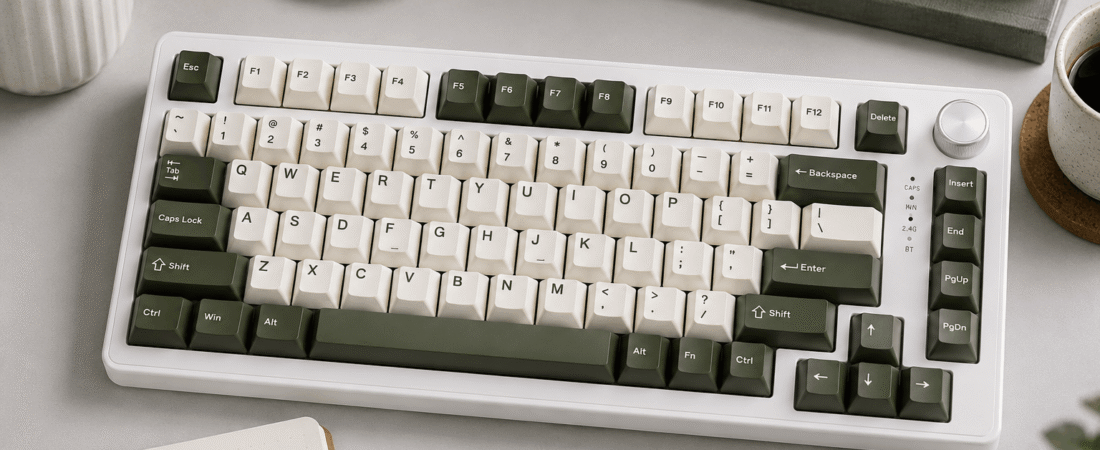
Full review: specs, switches, sound profile, build quality, software, who it’s for, and the bottom line.
Disclosure: This post contains affiliate links. If you buy through them, we may earn a small commission at no extra cost to you.
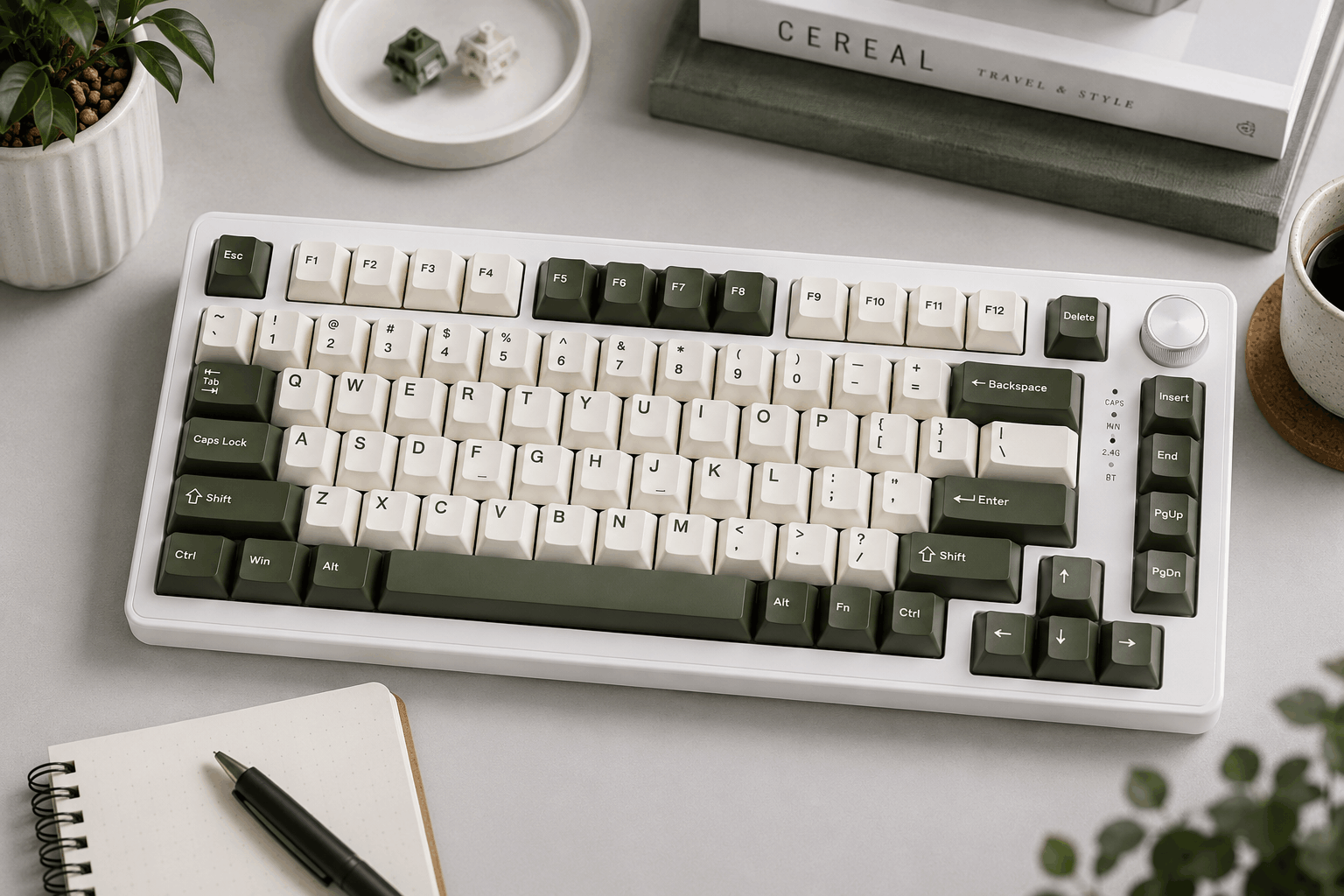
Image for illustrative purposes only. The keyboard pictured is not YUNZII’s B75 PRO reviewed in this article.
YUNZII’s B75 PRO is a compact 75% wireless board that has built a strong following by getting the fundamentals right at a mid-range price. It combines a gasket-mounted plate and a five-piece dampening stack with hot-swap sockets, double-shot PBT keycaps, a large 4000mAh battery, and a multifunction knob. It’s sold in a wide range of muted, almost retro colorways, and its south-facing RGB gives the keys a soft “floating” glow instead of a flashy gamer look.
Unlike many boards on this list, YUNZII also lets you pick your stock switch, choosing between two linears and a tactile, so you can match the feel to how you type before it ever arrives.
Specs at a Glance
Pros and Cons
⌨ Pros
- Cushioned gasket-mounted plate and a multi-piece foam stack at a mid-range price
- Choice of linear or tactile stock switches
- Swap in nearly any MX-style switch later, no soldering needed
- Double-shot PBT Cherry-profile keycaps that won’t fade or shine quickly
- Big 4000mAh battery, plus Bluetooth, 2.4GHz, and cable options
- Attractive colorways with a soft south-facing RGB glow
⚠ Cons
- Customization software is Windows-only and fairly basic
- One reviewer found a firmware version kept the board from sleeping, draining the battery
- Battery life drops sharply with RGB left on all day
- Holding the knob to switch modes gives no on-board confirmation
- No VIA or QMK support
Muted and rounded, a soft thock without any echo
Switches Used
YUNZII offers the B75 PRO with three stock switch choices. Milk is a light linear (around 45gf with 4mm of travel) that suits fast typing and gaming. Cocoa Cream V2 is another smooth linear that many buyers pick for its fuller sound. Blue Grey is the tactile option, adding a gentle bump for people who like feeling each keypress register. Every switch sits in a hot-swap socket that takes both pin styles, so if you change your mind later you can pull the switches and try something else without soldering.
Sound Profile
With the gasket mount and padding absorbing vibration, the B75 PRO sounds muted and rounded, never sharp or hollow. Reviewers describe it as quiet enough for a shared office, and owners don’t report spring ping or a rattly space bar. The exact character shifts a little with the switch you choose: the linears sound smoother and deeper, while the tactile adds a touch more texture. Either way, it’s a calm, pleasant board to type on and never a loud one.
Build Quality and Daily Use
At just over 900g, the B75 PRO feels solid and stays put on the desk. The fold-out feet give two extra typing angles, and their rubber tips grip well. The knob controls volume and lighting, and a long press switches between gaming and office modes, though there’s no visual cue telling you which mode you’ve landed in. Battery life is the area to understand before buying: with RGB on all the time, one long-term reviewer needed to plug it in about twice a week, while running with lighting off stretched it to about a month. That same reviewer found one firmware version stopped the board from sleeping, so turning it off after use or running it wired was the workaround until a fix arrived.
Software and Compatibility
The board works on both Windows and macOS, and basic lighting and media controls are handled on the keyboard itself. YUNZII’s software adds key remapping, macros, and fuller RGB customization, but it only runs on Windows, and reviewers call it functional but unpolished. There’s no VIA or QMK support, so Mac users who want deep remapping will need a third-party tool.
Who It’s For
Who It’s For
Typists and casual gamers who want a well-built, gasket-mounted 75% wireless board with good keycaps, a choice of switch feel, and a calm, understated look.
Who Should Skip It
Mac users who need full software customization, anyone who wants a number pad, and people who want firmware-level programmability through VIA or QMK.
What the Reviews Say
To evaluate the B75 PRO, we compared YUNZII’s official specifications with retailer listings and read through independent long-term reviews and buyer feedback, focusing on what comes up repeatedly. A 4.7-star average across more than 1,200 ratings is one of the strongest results among the keyboards on this list.
Owners consistently praise how solid it feels for the price, how smooth the stock switches are, and how good the RGB looks behind the double-shot keycaps. Reliable wireless performance and the practical knob also come up often. On the critical side, the most common complaint is that the Windows-only software is basic. A detailed long-term review also flagged battery drain caused by a firmware version that prevented sleep, along with the lack of feedback when holding the knob to change modes. Neither stopped that reviewer from recommending the board, but checking for firmware updates is worth doing when yours arrives.
Value for the Price
Around $80, the B75 PRO gives you features that usually appear on more expensive boards: a gasket mount, layered dampening, PBT keycaps, switch choice, and a big battery. It doesn’t have an aluminum case or VIA support, but for most people how it types and how it’s built matter far more than case material, and that’s where this board delivers.
YUNZII’s B75 PRO nails the basics that make a keyboard enjoyable every day: a cushioned gasket feel, a soft sound, quality keycaps, and your choice of switch. Keep the lighting modest and the firmware up to date, and it’s one of the best-rounded 75% boards at this price.
1,200+ reviews · 4.7 stars