
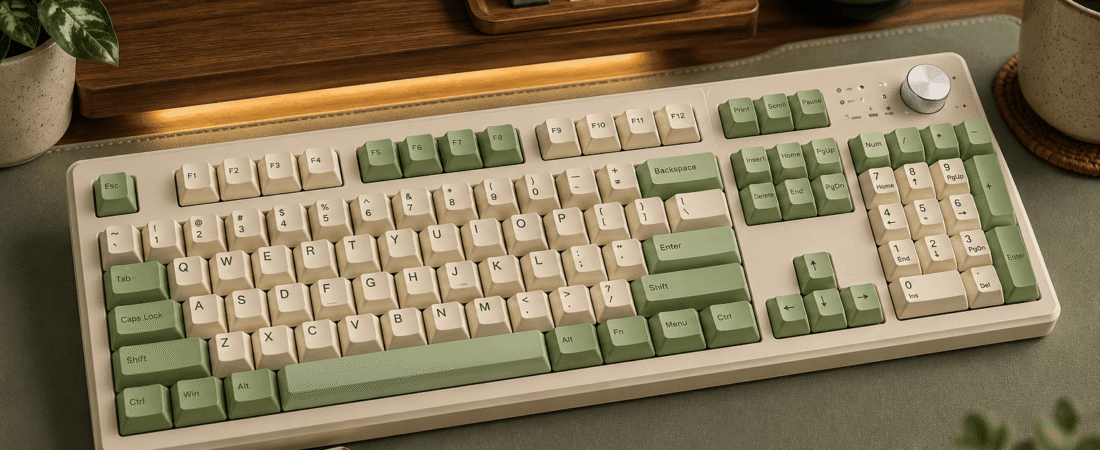
Full review: specs, key feel, sound profile, build quality, software, who it’s for, and the bottom line.
Disclosure: This post contains affiliate links. If you buy through them, we may earn a small commission at no extra cost to you.
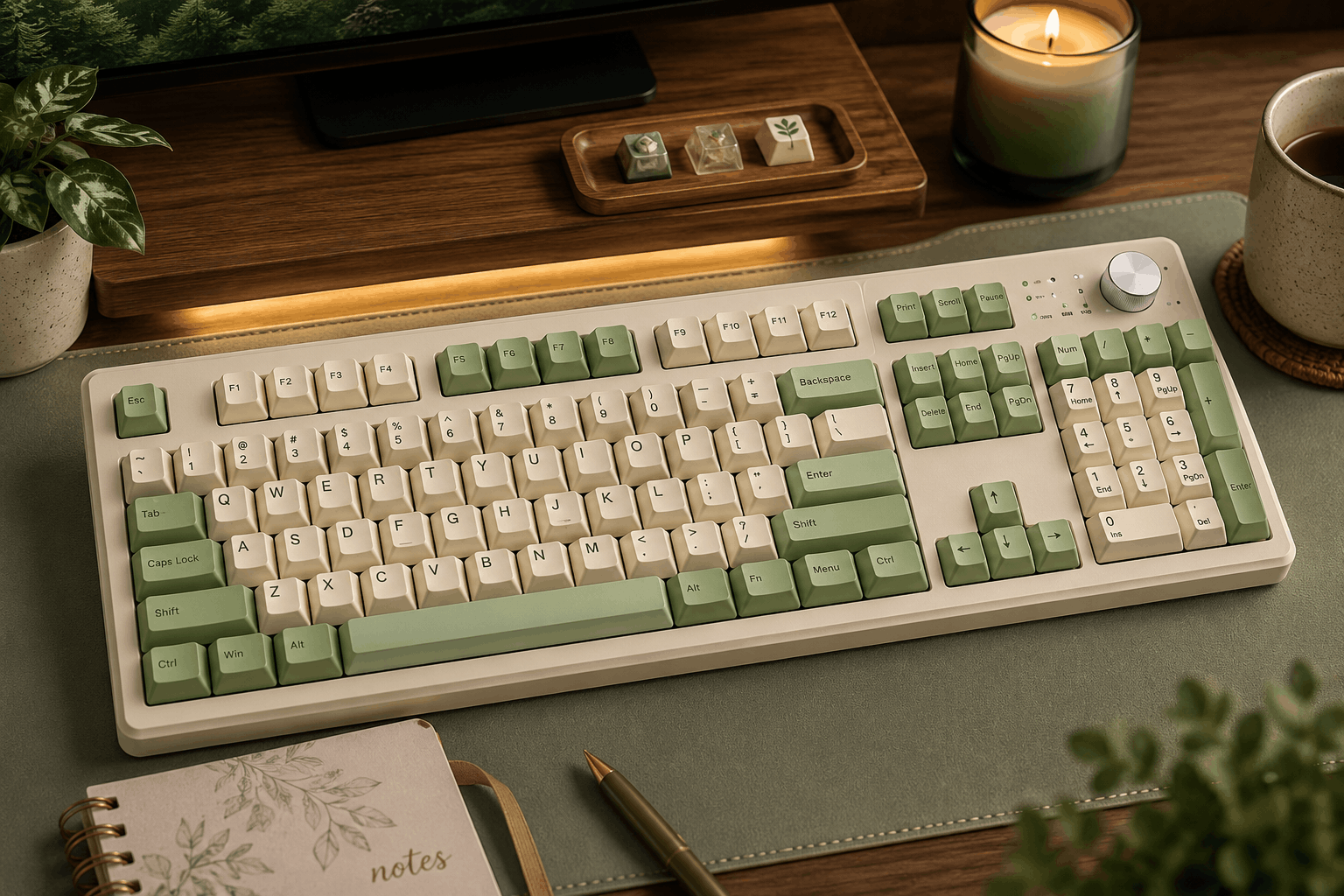
Image for illustrative purposes only. The keyboard pictured is not the AULA S99 reviewed in this article.
The AULA S99 is the entry point to AULA’s popular “creamy” keyboard family: a wireless, retro-styled board with round keycaps, a volume knob, RGB lighting, and a full number pad, all packed into a 96% footprint. It’s the more affordable sibling of the S99 Pro, skipping the Pro’s small status screen but keeping the same tri-mode connectivity and cushioned membrane typing. With well over a thousand ratings, it’s also one of the most widely purchased boards on this list, which gives a clearer picture of how it holds up in everyday use.
Like the rest of the S99 line, it is a membrane keyboard, not a mechanical one. The “gaming” label refers to its macro keys and lighting, not to its switches.
Specs at a Glance
Pros and Cons
⌨ Pros
- One of the cheapest ways to get tri-mode wireless with a number pad
- Quiet, cushioned keypresses that suit shared spaces
- Pairs with up to five devices for laptop, tablet, and desktop switching
- Physical knob and dedicated macro keys are rare at this price
- Lightweight and easy to move around
- Large, established review base gives more confidence than newer boards
⚠ Cons
- Membrane design, so no switch swapping or mechanical feel
- No battery indicator screen (that’s reserved for the S99 Pro)
- 2000mAh battery means more frequent charging with lighting on
- 96% layout squeezes keys closer together than a full-size board
- Lighting features differ between colorways and regional listings
Muted and cushioned, a soft “creamy” press rather than a mechanical click
Switches Used
There are no individual switches in the S99. Each key sits on a membrane layer, and AULA adds five layers of internal padding to deaden noise and give the bottom of each keystroke a softer landing. Retailers state clearly that it’s a non-hot-swappable membrane keyboard, so there’s no upgrade path to different switches later. What you gain is a gentle, low-effort press that many casual typists actually prefer over the sharper actuation of budget mechanical boards. AULA rates the keys for 10 million presses, which is in line with typical membrane boards.
Sound Profile
The padding does most of the work here. Rather than the high-pitched clack you hear from cheap mechanical keyboards, the S99 produces a low, muffled tap on each keystroke. It’s not silent, but it’s quiet enough that it won’t come through on most video calls and won’t keep a roommate awake. If you’re specifically chasing the deep “thock” of a gasket-mounted mechanical board, this won’t deliver it, but for an office, classroom, or bedroom setup, the muted sound is a real advantage.
Build Quality and Daily Use
At around 750g, the S99 is noticeably lighter than mechanical boards of the same size, which makes it easy to carry between a desk and a couch or to take to class. The two-stage kickstand lets you choose between flat and two raised angles. The knob is the standout control: turn it for volume, or switch its mode to adjust lighting. Device switching runs through FN combinations, so it’s quick once you learn the shortcuts. The main thing missing compared to the S99 Pro is a battery readout, so you’ll be relying on indicator behavior rather than a percentage display to know when it’s time to charge.
Software and Compatibility
Basic macro recording can be done right on the keyboard, and the three dedicated M-keys make it easy to store repetitive commands for games or work shortcuts. For deeper adjustments, AULA offers downloadable software through its official site. As with most budget boards, there’s no QMK or VIA support. Compatibility is broad: it connects to Windows and macOS computers as well as Android and iOS phones and tablets, which makes the five-device pairing genuinely useful.
S99 vs. S99 Pro: Which Should You Buy?
The two keyboards share the same 99-key layout, membrane typing feel, tri-mode wireless, knob, and 2000mAh battery. The S99 Pro’s main addition is a small built-in screen that shows battery level and connection status, and it typically costs more. If seeing your exact battery percentage matters to you, the Pro is worth the step up. If you just want the look, feel, and wireless flexibility for less money, the standard S99 gets you nearly all of it.
Who It’s For
Who It’s For
Budget shoppers, students, and home-office users who want a quiet, good-looking wireless keyboard with a number pad and a volume knob, and who switch between several devices during the day.
Who Should Skip It
Anyone who wants a mechanical feel, hot-swap switches, or firmware-level customization, and users who want an on-screen battery readout (consider the S99 Pro instead).
What the Reviews Say
To evaluate the S99, we compared AULA’s published specifications across several retailers in different regions and looked at buyer feedback for the S99 family, focusing on recurring themes rather than individual standout comments. A 4.3-star average across more than 1,800 ratings is a solid result for a keyboard at this price, and the volume of reviews means it has a much longer track record than newer releases.
Across the S99 line, the most frequent praise centers on the soft, quiet typing feel, the colorful retro design, and how simple it is to pair with multiple devices. The knob and dedicated mute and media controls also come up regularly as features buyers didn’t expect at this price. On the critical side, a recurring theme in the S99 family is that the FN-based device-switching shortcuts can be triggered by accident during fast typing or gaming, which disconnects the keyboard until you switch back. Some buyers with larger hands also find the 96% layout a little tight. The remaining share of lower ratings typically comes from people who expected a mechanical keyboard, which is why we flag the membrane design so clearly.
Value for the Price
When it’s selling in the $35 to $45 range, the S99 is one of the easiest recommendations on this list for anyone who wants wireless flexibility, a knob, and a number pad on a tight budget. Near the top of its price range, the gap to the S99 Pro (with its screen) or to an entry-level mechanical board shrinks, so it’s worth checking current pricing before you buy.
The AULA S99 is a budget keyboard that doesn’t look or feel like one. If you want a quiet, cheerful-looking wireless board with a number pad and a real volume knob, and you’re happy with membrane keys, it’s hard to beat for the money.
1,800+ reviews · 4.3 stars